Upgrading to Version 11
Please read these notes if you are moving from Version 10 or earlier to Version 11.
Version 11 introduces a new feature,
which is that many of the places where text is stored in the program are now stored in Rich Text format, rather than plain text as before.
This matters because once text has been converted to Rich Text format it is not easy to convert it back.
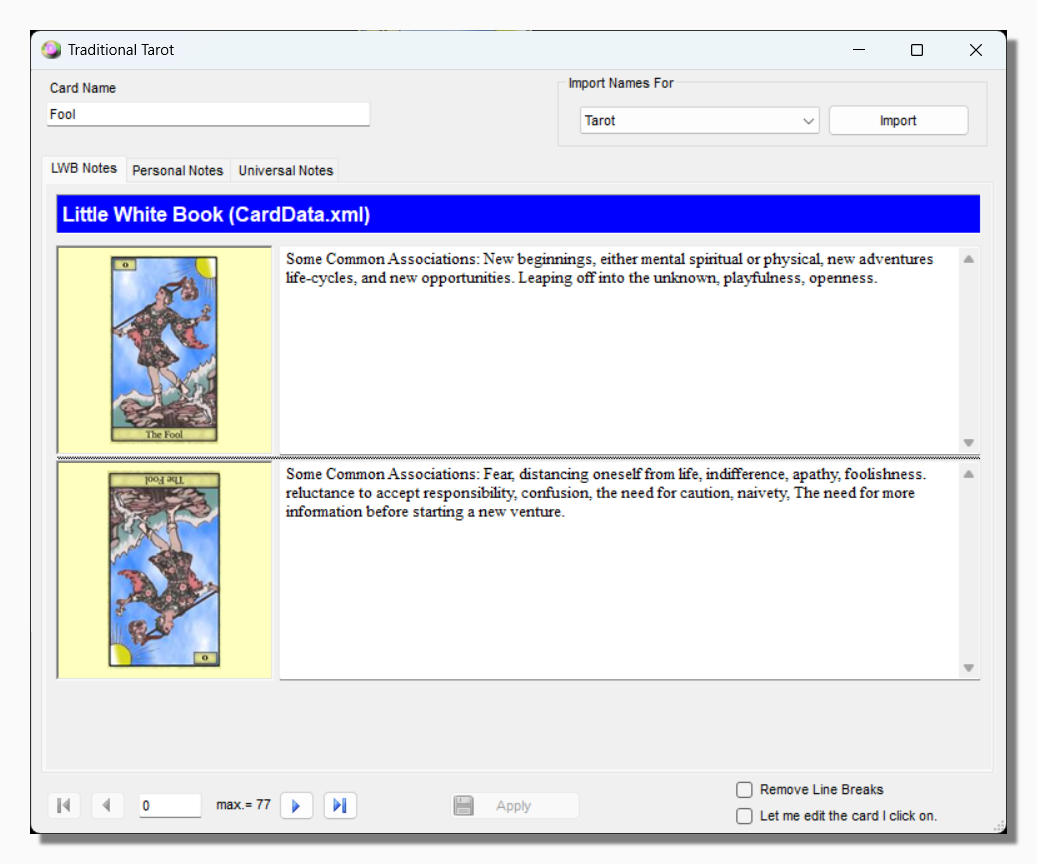
For example, the following image shows some card notes open in the note editor in version 10:
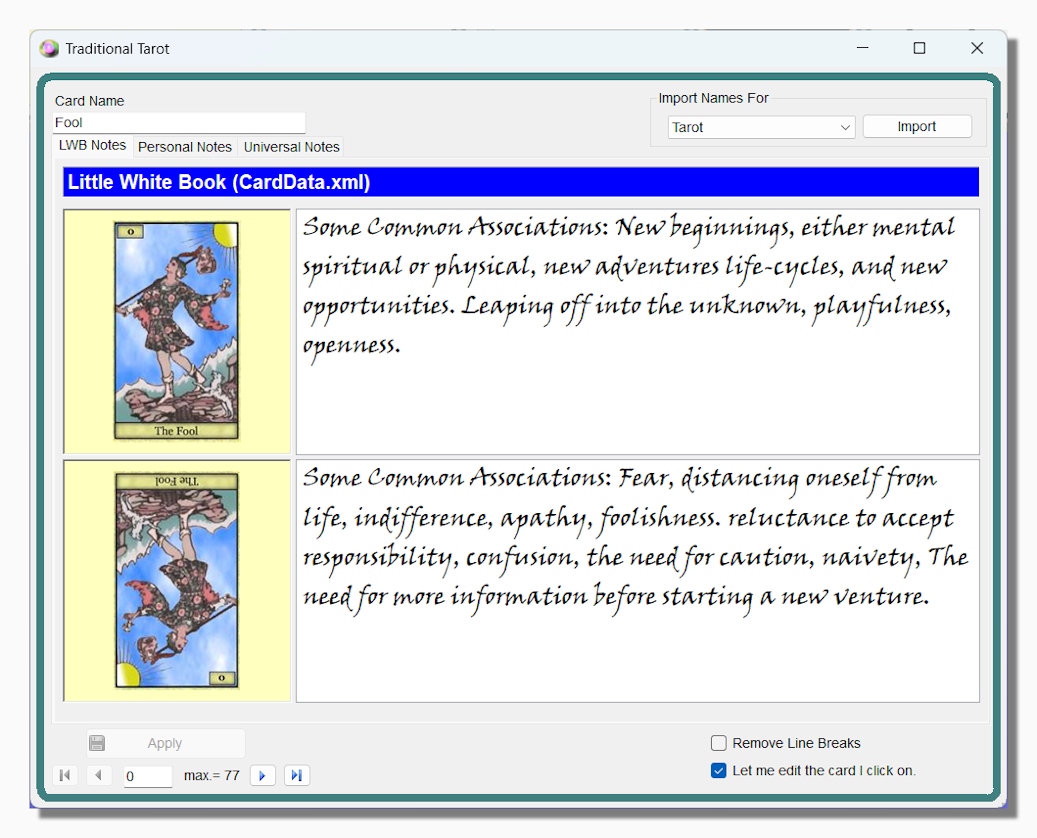
Here is how they look when they have been brought into version 11 and formatted:
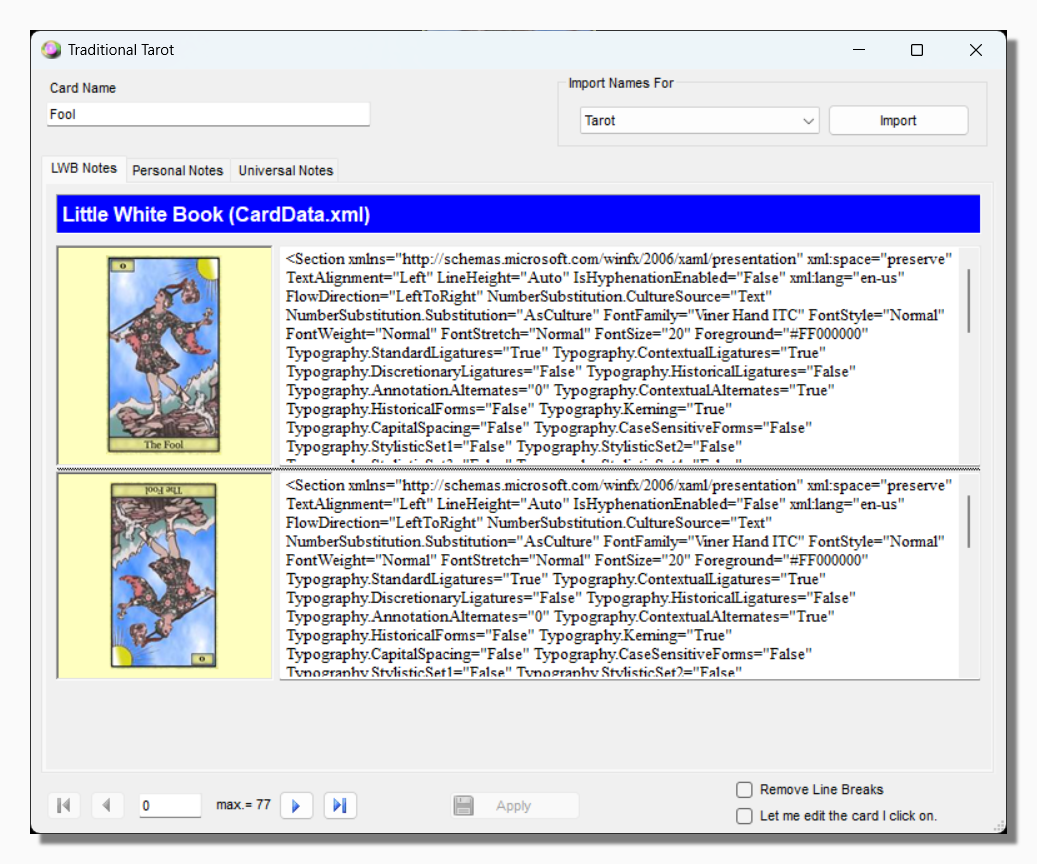
And here is how they look if you go back and open them in version 10:
For this reason, everything in version 11 is separate from version 10. The installer program is different, so there is no need
to uninstall version 10 when you install version 11. You can have both installed side by side. Any preferences you set within
the program are also stored separately and do not conflict with each other.
Also the default file location for each version
is different.
Version 10 stores files at:
[Documents]\Orphalese Tarot
Version 11 stores files at:
[Documents]\Orphalese
If you are moving from Version 10 to Version 11 you are strongly recommended to copy your existing files from the old location
to the new one (not cut and paste). In this way you can have them as a back-up until you decide you are happy with the new version.