Cards Tab of Options Form
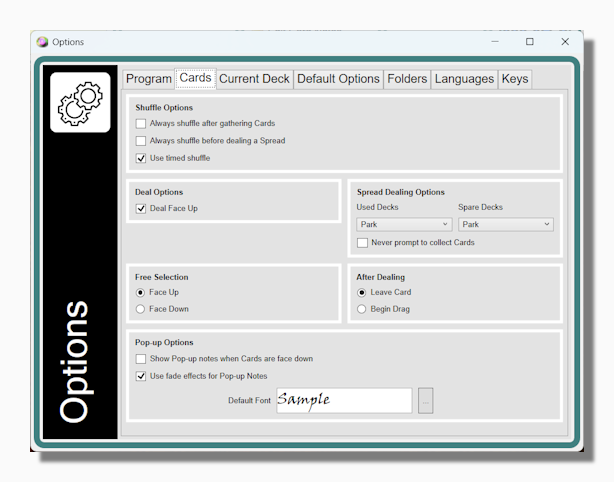
Shuffle Options:
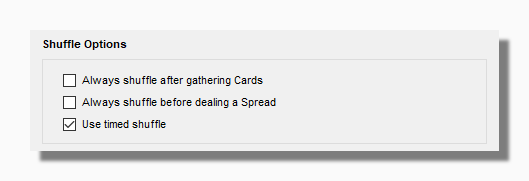
You can activate the options to always shuffle after gathering cards or always shuffle before dealing a spread to automate these processes. When using the Timed Shuffle option, shuffling continues until you click the deck.
Deal Face Up This is the default way of dealing. When unchecked the program deals cards face down both when dealing a spread or when dealing out a single card, in normal mode or in Free Selection Mode.
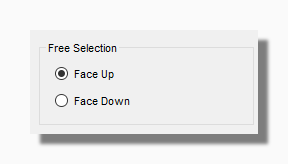
| This option allows the user to do a "blind selection" in Free Selection Mode where the cards are selected without previewing the card the mouse is hovering over in the normal way. |
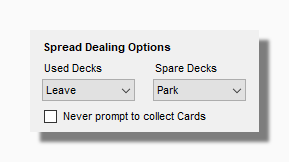
| These options relate to what happens to any decks and cards that you are using when a spread is dealt out. By default the program tries to reduce screen clutter by collecting any cards that are out and parking any decks. However some spreads require the selection of a preliminary card or cards before dealing the rest of the spread. In such cases you would opt to leave cards (another possibility would be to create a spread involving multiple decks or deck subsets). |
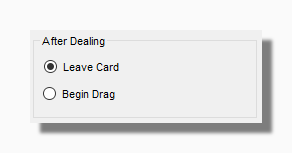
| This option is a feature for people who find it uncomfortable using the mouse. Instead of clicking to deal a card and then clicking and dragging to move it into place, when this option is selected the drag operation starts as soon as the mouse is down. The mouse pointer also changes to a clenched fist icon as a visual clue to what is going on. |
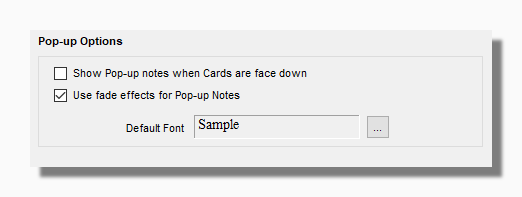
By default pop-up notes are not shown when a card is face down, but that can be overridden here.
Pop-up notes usually fade on and off as a pleasing visual effect. If this causes graphical problems for the user these effects can be turned off so the notes simply appear and disappear at once.
You can also select the default font in which you want to display the pop-up notes. Version 11 features full formatting of pop-up notes.